
How it works
From the PIF you have to one link that stays current.
MyPIF reads the PIF your organisation already has, you check every field, and you publish one link. Partners open that link in a browser and always see the version you published last. On Pro you choose the programme layout and who can open it.



How it works
From the file you have to one link, in minutes.
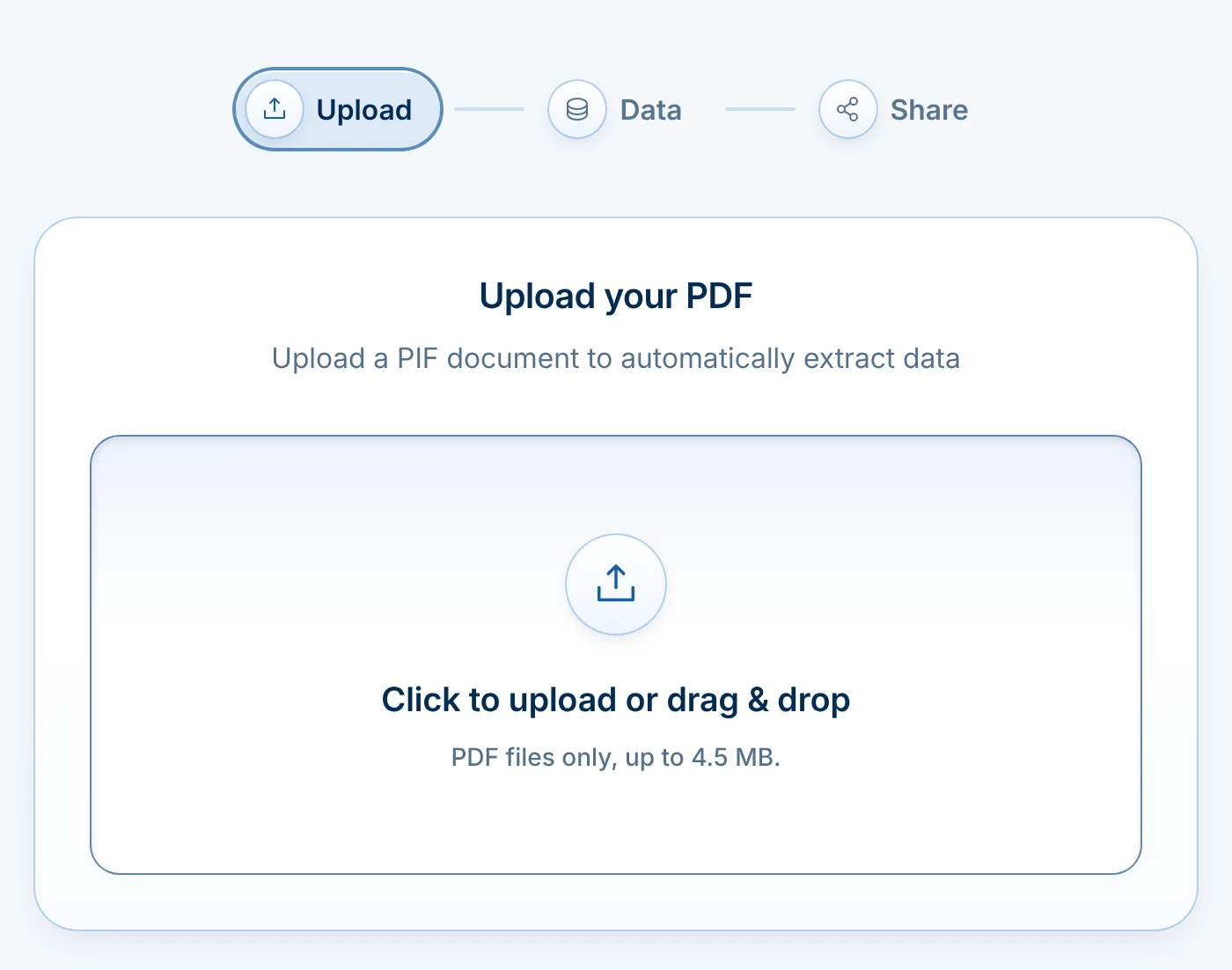
- Upload the PIF you haveDrop in your current PIF as a PDF of up to 4.5 MB. The fields MyPIF finds are filled in for you to check.
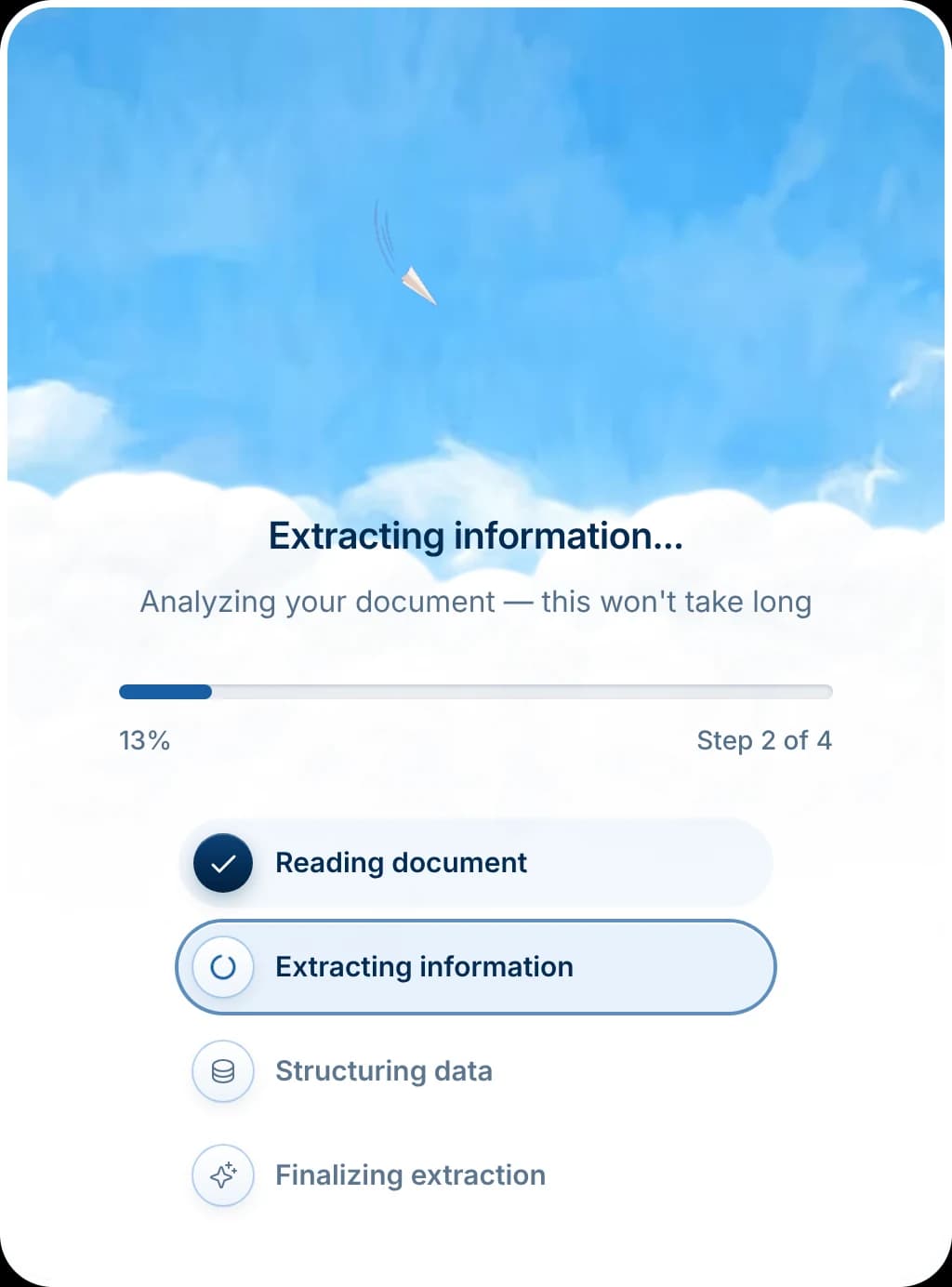
- MyPIF reads your fieldsIt reads the document with AI (Claude, by Anthropic) and structures what it finds, from the legal name, OID and PIC to your staff and previous EU projects, into data you check and correct. AI can miss or misread a field, so check each one before you publish.
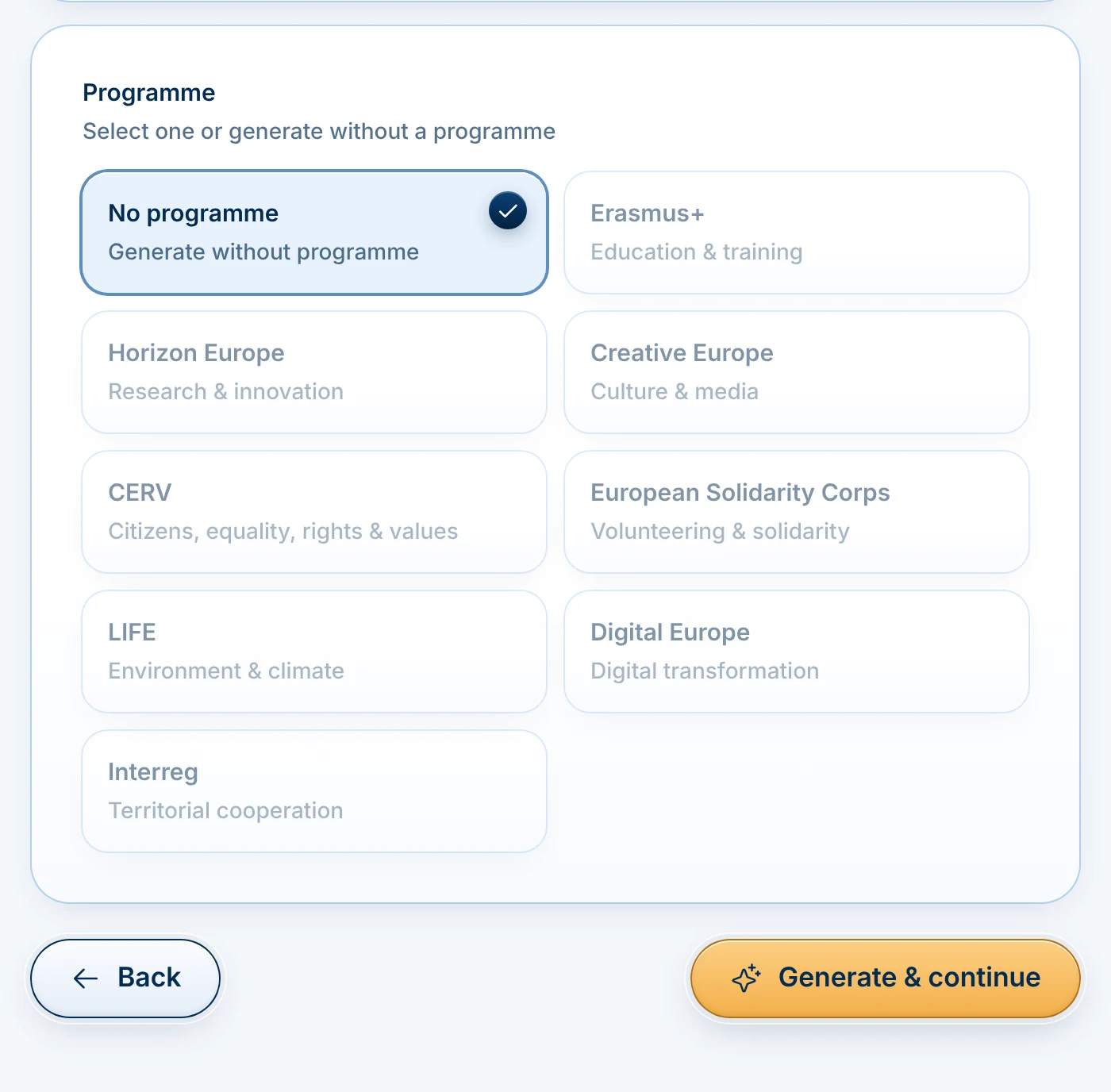
- Pick the programmeOn Pro, choose Erasmus+, Horizon Europe, Creative Europe, CERV, European Solidarity Corps, LIFE, Digital Europe or Interreg. On Free, the PIF uses one general layout.
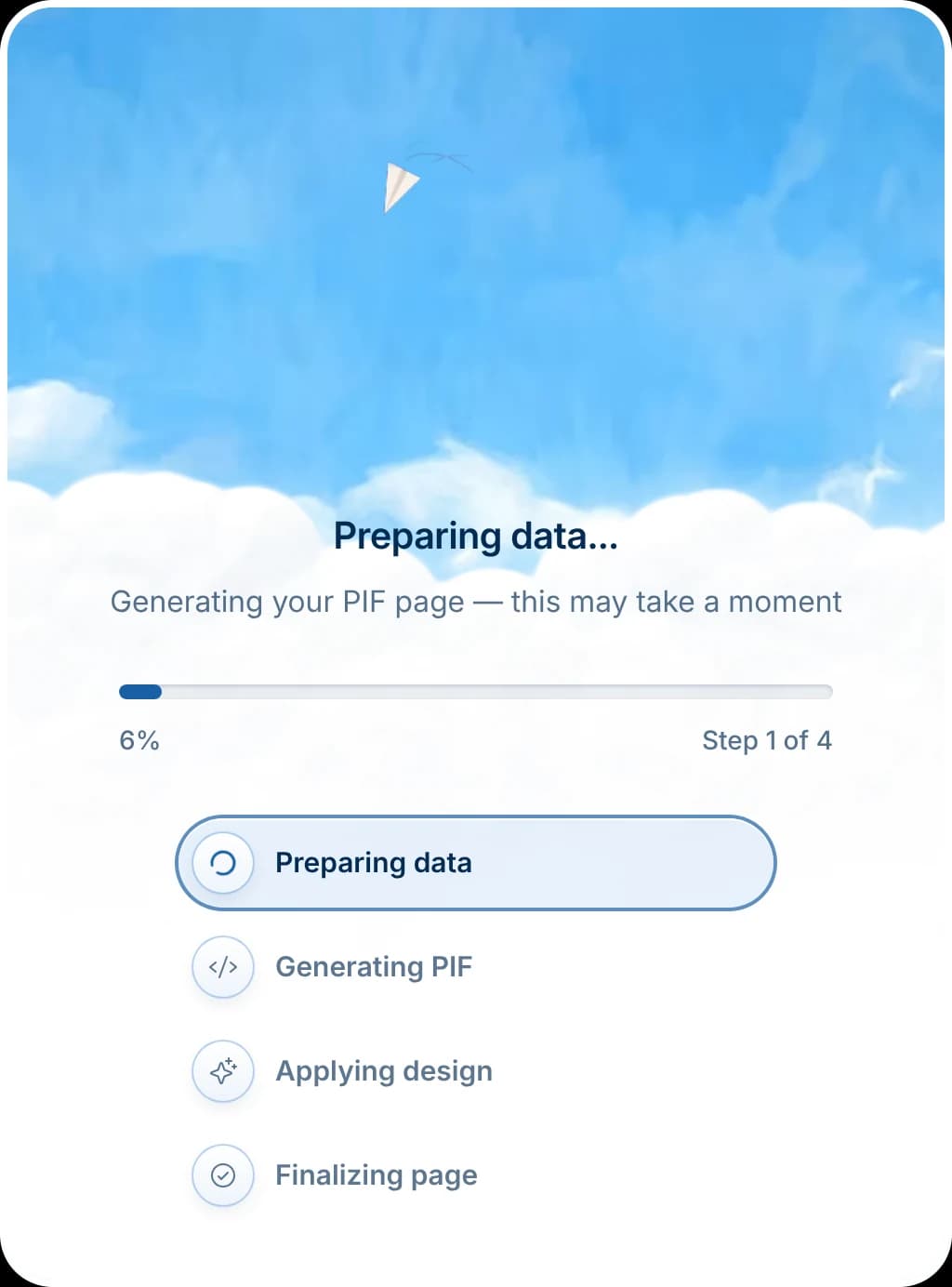
- Your PIF is generatedMyPIF prepares your data, builds the PIF page and applies the design. It takes minutes, not an afternoon.
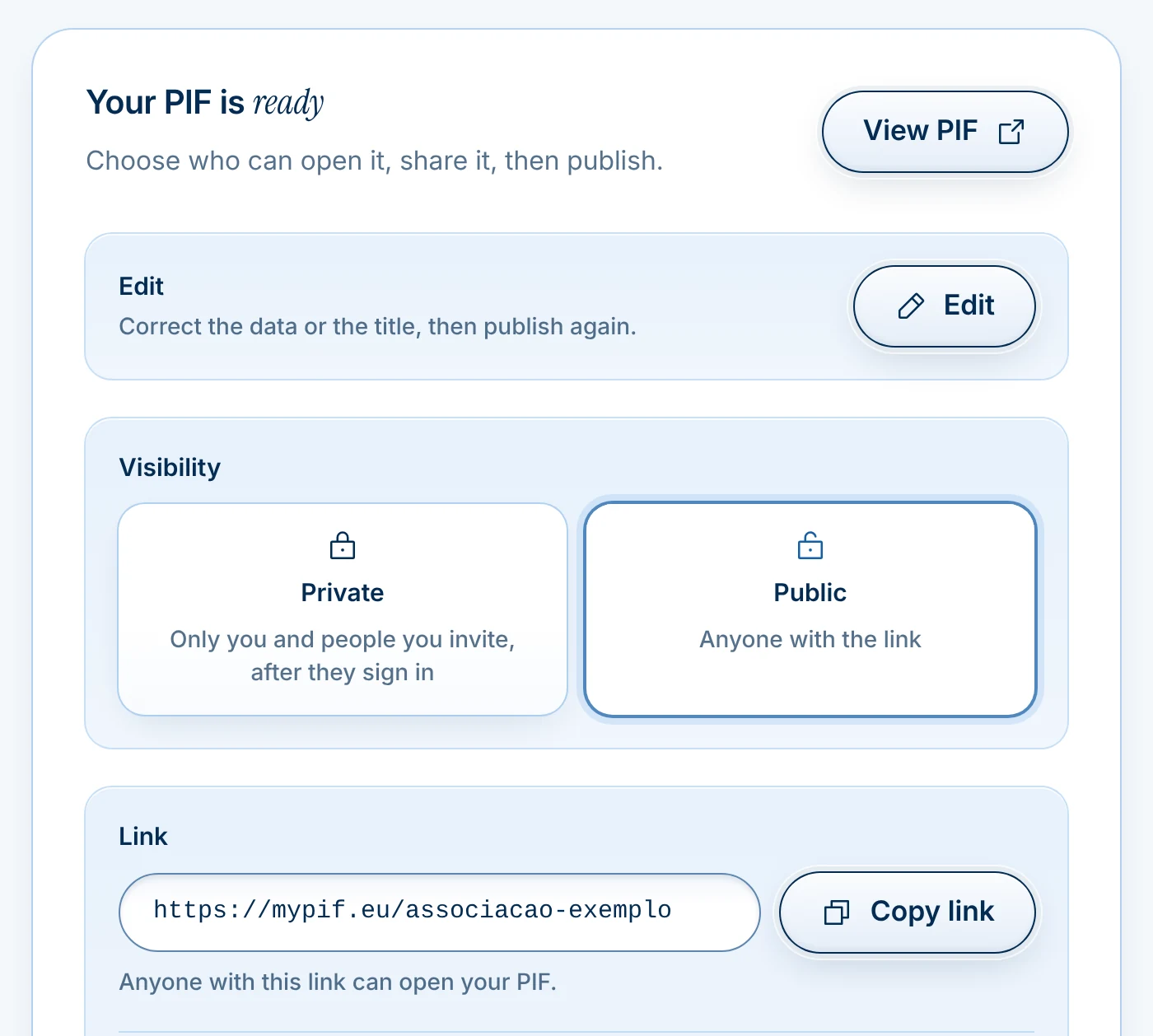
- Publish one linkMake it public for anyone with the link or, on Pro, private to the partners you add by email. Then copy the link and share it.
What you get
The address stays put while everything behind it moves on.
One permanent link
Publish once and share the address. When you update the PIF, the link stays the same and shows the current version. Nobody has to ask which file is the right one.
Example
mypif.eu/p/your-organisation Version 4, current
Partner Identification FormYour association nameErasmus+- OID
- Your OID
- Previous EU projects
- Your previous EU projects
Example
- Partnership quality8 out of 10
- Clarity and detail9 out of 10
- Programme fit10 out of 10
- Formatting9 out of 10
AI Quality Score
On Pro, every generated PIF is rated from 1 to 10 across 4 criteria: an AI rating of how it may read to a coordinator, before you send it. It is not a prediction of any funding decision.
- Version 4current
- Version 3
- Version 2
Version history
On Pro, every version you publish is kept, so you can see what the PIF said in March when a partner asks in October.
- Português
- Deutsch
- Français
- Polski
- Română
- Italiano
- Español
- Nederlands
- +16 more
Coming soon24 EU languages
Translate the PIF into any of the 24 official EU languages for the partner who reads it in Polish or Romanian.
- PDF.pdfWord.docx
PDF and Word export
Export the current version as PDF on any plan, or as Word on Pro, whenever a portal or a partner insists on a file. The link stays live alongside it.
- Legal nameYour association name
Copy any field in one click
On Pro, copy the full text of any field, from the OID to the description of activities, straight into an application form.




One link instead of the attachment.
MyPIF keeps your PIF in one place and gives every partner an address that always opens the current version. Correct a field once, and nobody has to be sent a new file.
Before you start
The three questions people ask first.
Will a coordinator accept a link instead of a file?
A public link opens in any browser, with no account, and always on the version you published last.
Where a coordinator or a portal still asks for a file, export one: PDF on every plan, Word on Pro.
Keep ChatGPT for the wording if you use it. MyPIF keeps the result current, at the same address.
“What we have is always the PIF in Word and the PIF in PDF. Often it even goes out to partners as a PDF. Any updates that need doing, we do them there quickly, update it and send it off.”
Do I have time for this before the deadline?
Upload the PIF you already have, as a PDF. The fields MyPIF finds are filled in for you to check, and it takes minutes, not an afternoon of retyping.
If your PIF is in Word, save it as a PDF first. Sign in with Google or Microsoft; the Free plan needs no card.
“But look, since I've been doing this for so many years, I'm used to seeing it that way. But that doesn't mean this way isn't better, because there are a lot of new people coming into this now, starting to write these, and they aren't used to that old model the way I am, are they?”
What do my partners have to do?
With a public link, nothing: they open it in a browser.
With a private link, on Pro, the partners you name sign in with that address, so you decide who sees your PIF.
On Pro they can also copy any full field in one click, straight into their application form.
“I mean address and phone number, it was from the legal representative and contact person. So same information which is wrong. I have to call him to give me again another email address, another phone number because otherwise I cannot pass through the steps.”
Questions about using it
The link, day to day.
Ask us directly
For anything not covered here, write to the team in Fundão.
Write to geral@mypif.euRather go through your PIF with us? Request a free review against the 18 checks, one per organisation.
Your link, day to day
What happens when I update my PIF?
The link stays the same. You edit the fields, publish again, and everyone who has the address sees the new version the next time they open it. On Pro, earlier versions are kept in your version history.
Can I export the PIF to PDF or Word?
Yes. The current version exports to PDF on every plan, and to Word on Pro, for portals that require a file or partners who prefer one. The link stays live alongside the file, so the version online is always the one that is up to date.
Who is MyPIF not for?
MyPIF keeps one document right: your Partner Identification Form, and the link your partners open. It does not write your project application, find partners for you or submit anything to the Funding & Tenders Portal. If you send one PIF a year, the free plan is all you need, as long as a public link suits you.
Where is my data stored?
Your PIF and its data are stored at rest in Ireland, in a database run for us by Supabase. To read your PDF, MyPIF sends it to the Claude API from Anthropic, which processes it in the USA. The website and the app are hosted by Vercel. Our Privacy Policy lists every provider, the safeguards for data that leaves the EU, and what is collected, why and for how long.


Start with the PIF you have
Your PIF, always updated, one link away.
Drop the PIF you already have. MyPIF gives your partners one link that stays up to date, and on Pro shapes it for your programme.
Drop your PIF hereTurn your PIF into one link
PDF, up to 4.5 MBFree for 1 PIF, no card needed. You add the file in the app.
- Your first PIF and its link are free, no card needed
- PDF, up to 4.5 MB
- Nothing is uploaded before you sign in: you choose the file only once
- On Pro, shaped for Erasmus+, Horizon Europe, CERV and other EU calls
P.S. Next time a coordinator asks for your PIF, send a link instead of PIF_final_FINAL.docx. Your first one is free, for good.
Not ready to upload yet? Get the free PIF checklist, or request a free review of your PIF.